How to register as a label or collective
A label account gives you one login for an entire roster of artists — upload releases, track sales, and get paid across the whole roster from a single dashboard. It's the same 5% flat cut as an individual artist, and 0% on Volted Music Fridays.
1.Start registration
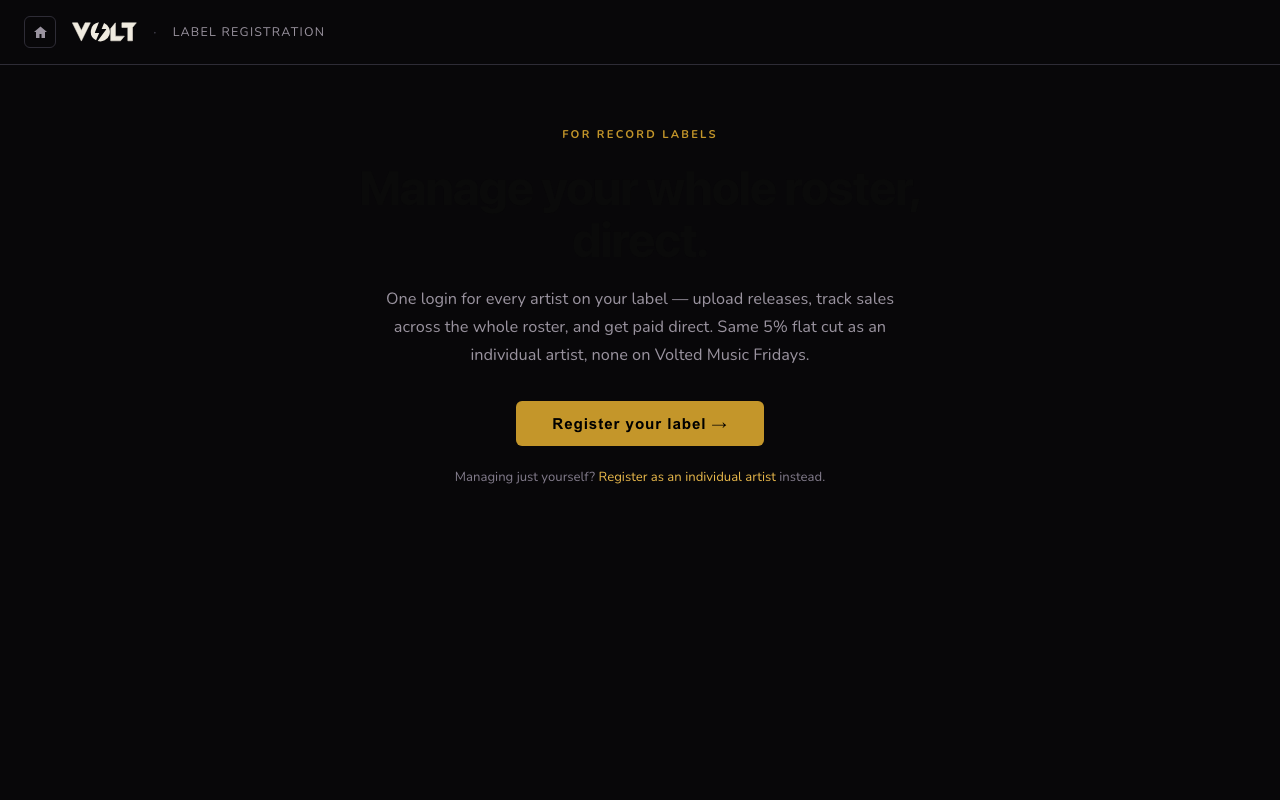
Log in first if you have a VOLT account, then go to volt.veaea.org/label/register and click Register your label. If you're managing just yourself rather than a roster, use the individual artist guide instead — one account can't be both.
2.Fill in your label profile
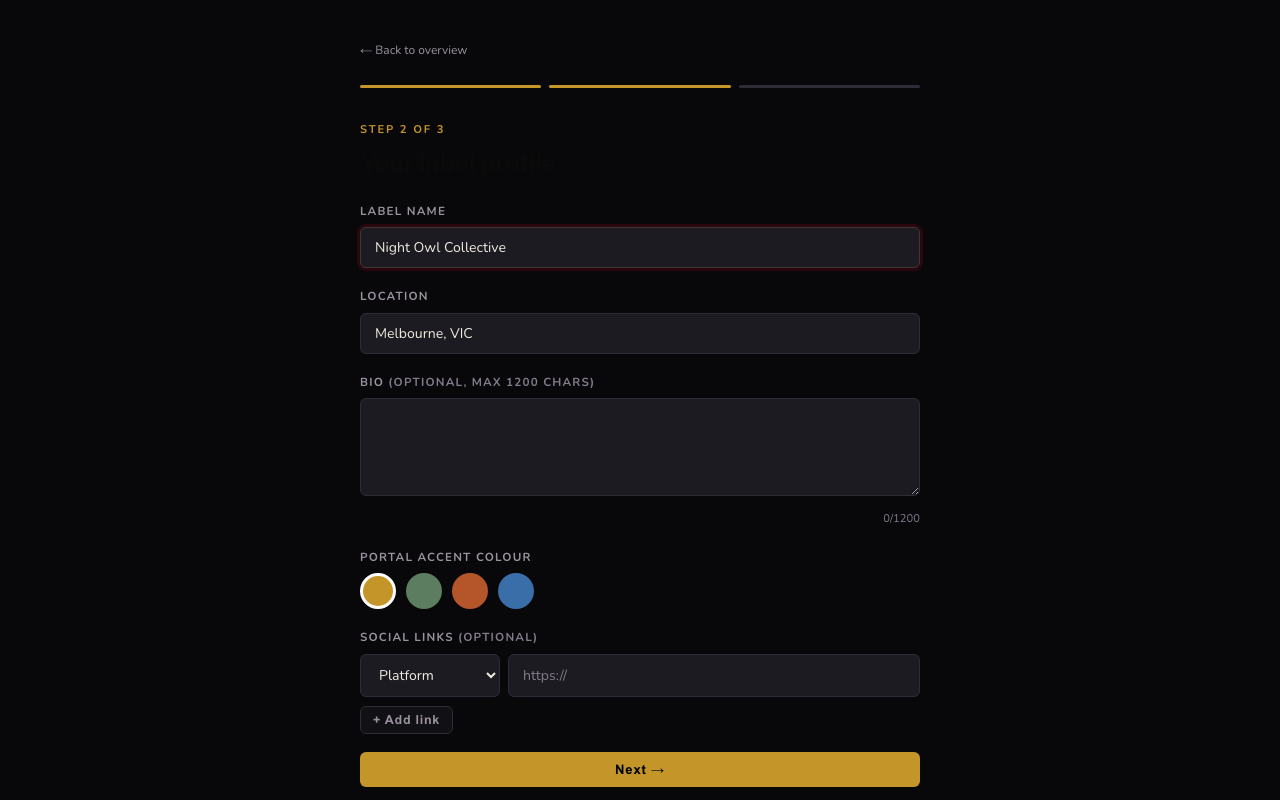
Enter your label or collective name, plus optional location, bio, and links. As with artist profiles, VOLT will try to pull a profile image and header from any social links you add.
3.You're live
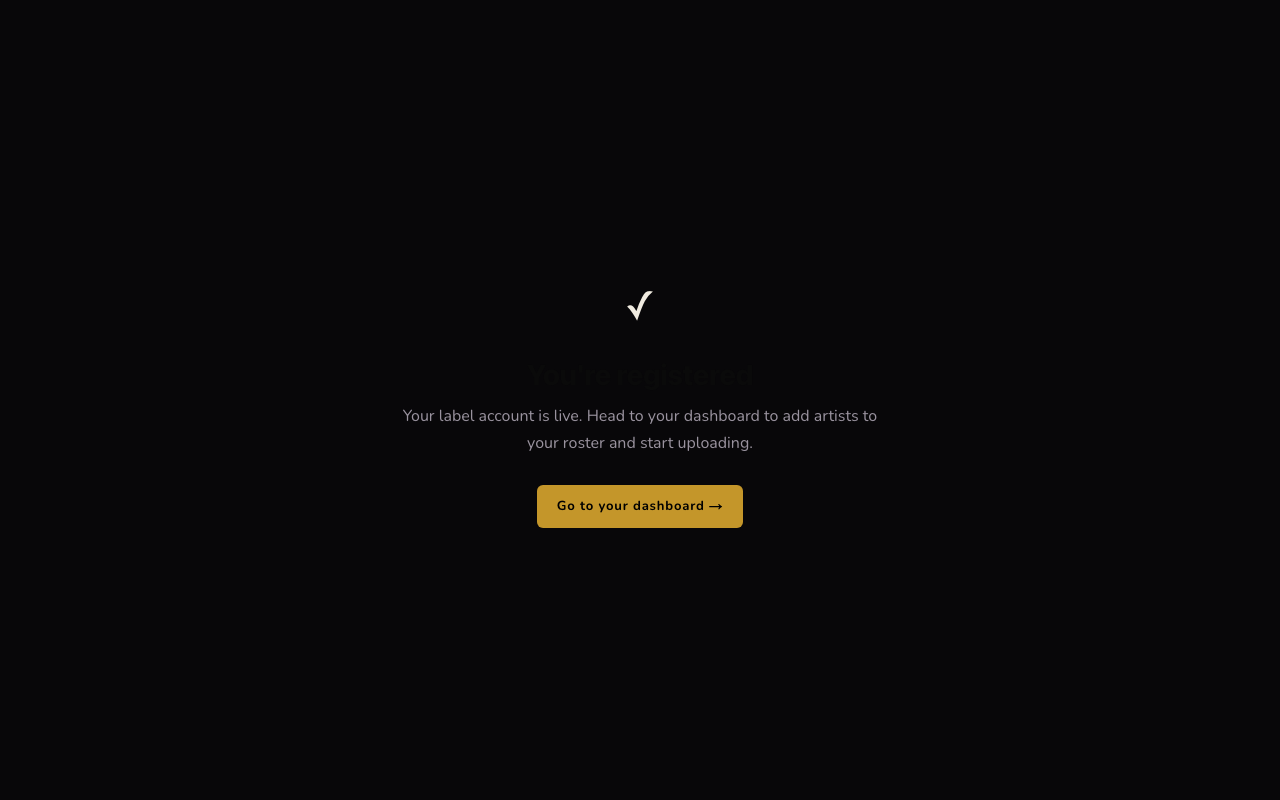
Your label account is active immediately. Click Go to your dashboard to start building your roster.
4.Add an artist to your roster
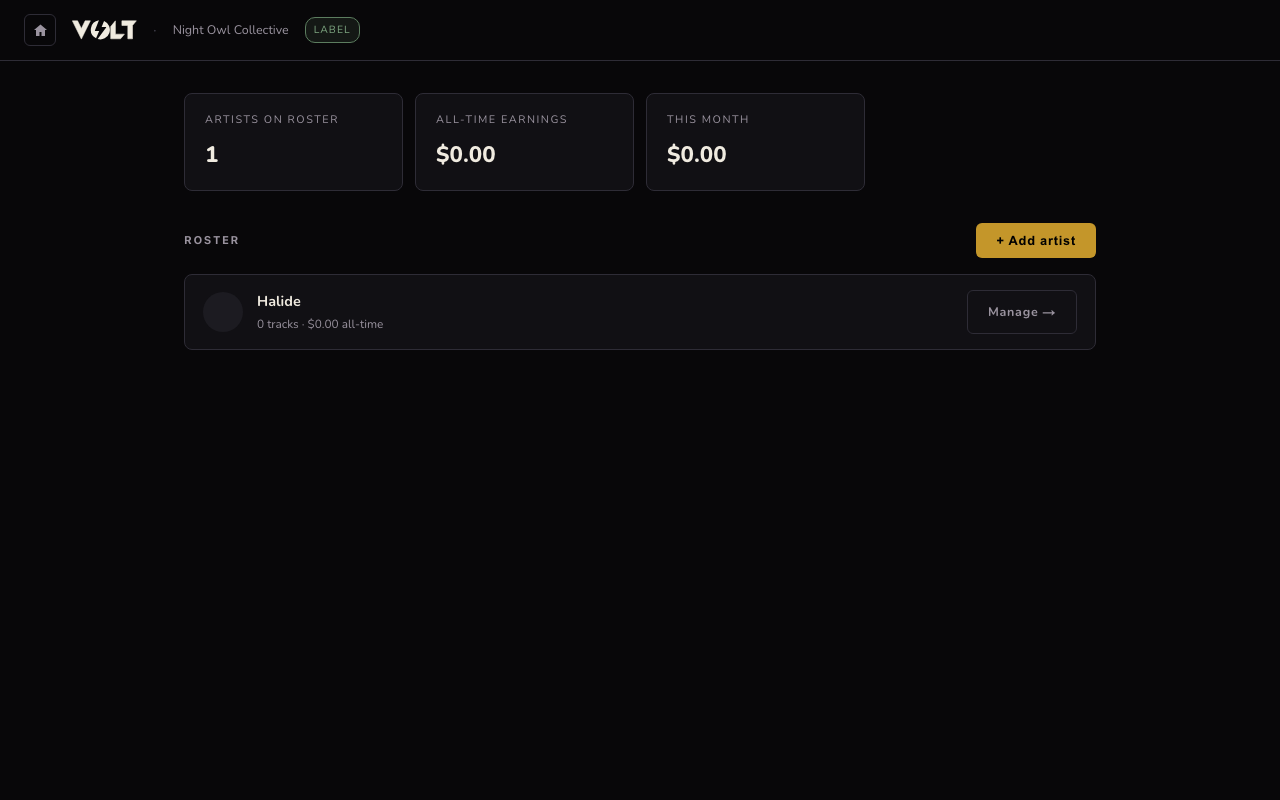
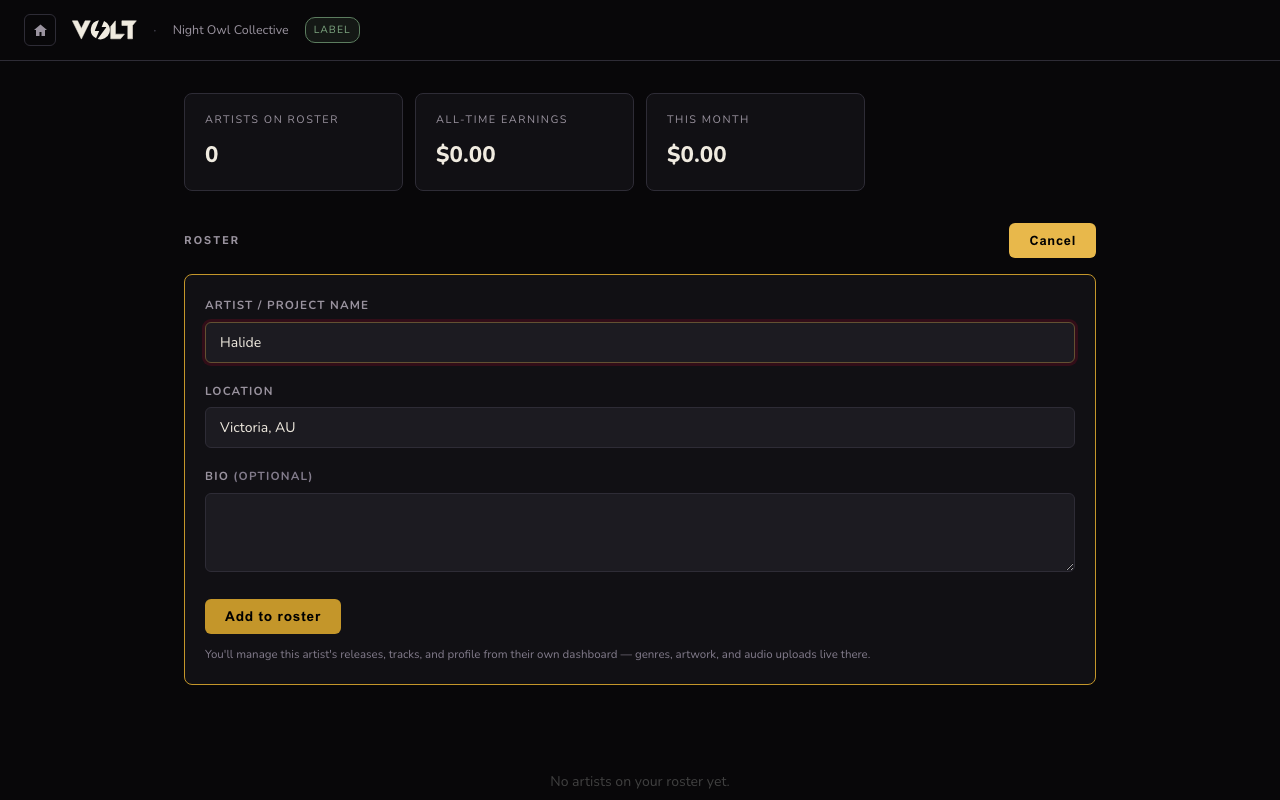
From the dashboard, click + Add artist, enter the artist or project name and location (bio is optional), then Add to roster. This creates an artist profile without a separate login — you manage it entirely from your label account.
5.Manage each artist's releases
Each artist on your roster gets a Manage → link that opens their own releases, tracks, and profile — the exact same tools as an individual artist account, just reachable from your label dashboard. See the upload and album guides for what to do from there.