How to register as an artist
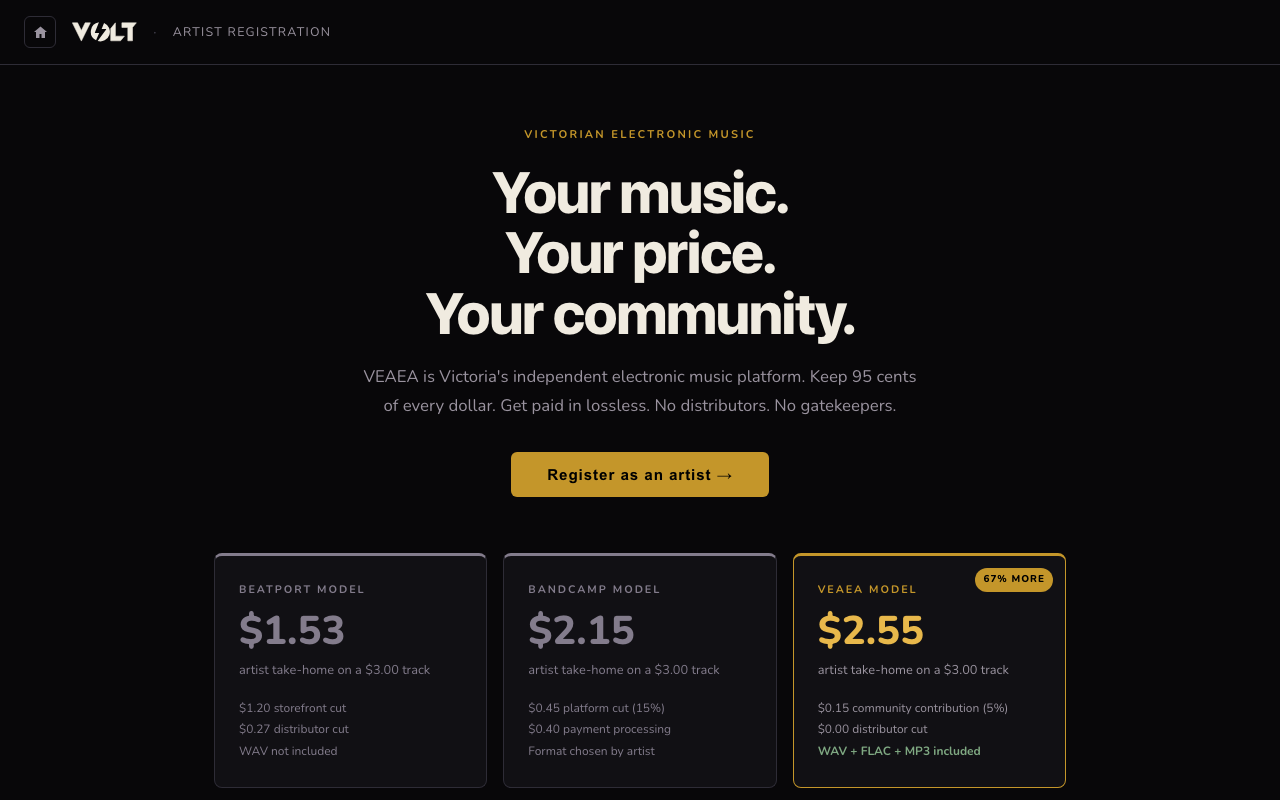
Artist accounts keep 95 cents of every dollar — 100% on Volted Music Fridays. Setup takes about three minutes and you can start uploading immediately.
1.Start registration
If you already have a VOLT account, log in first. Then go to volt.veaea.org/artist/register or click Sell your music from the store home, and click Register as an artist. If you don't have an account yet, the first step creates one for you.
2.Fill in your artist profile
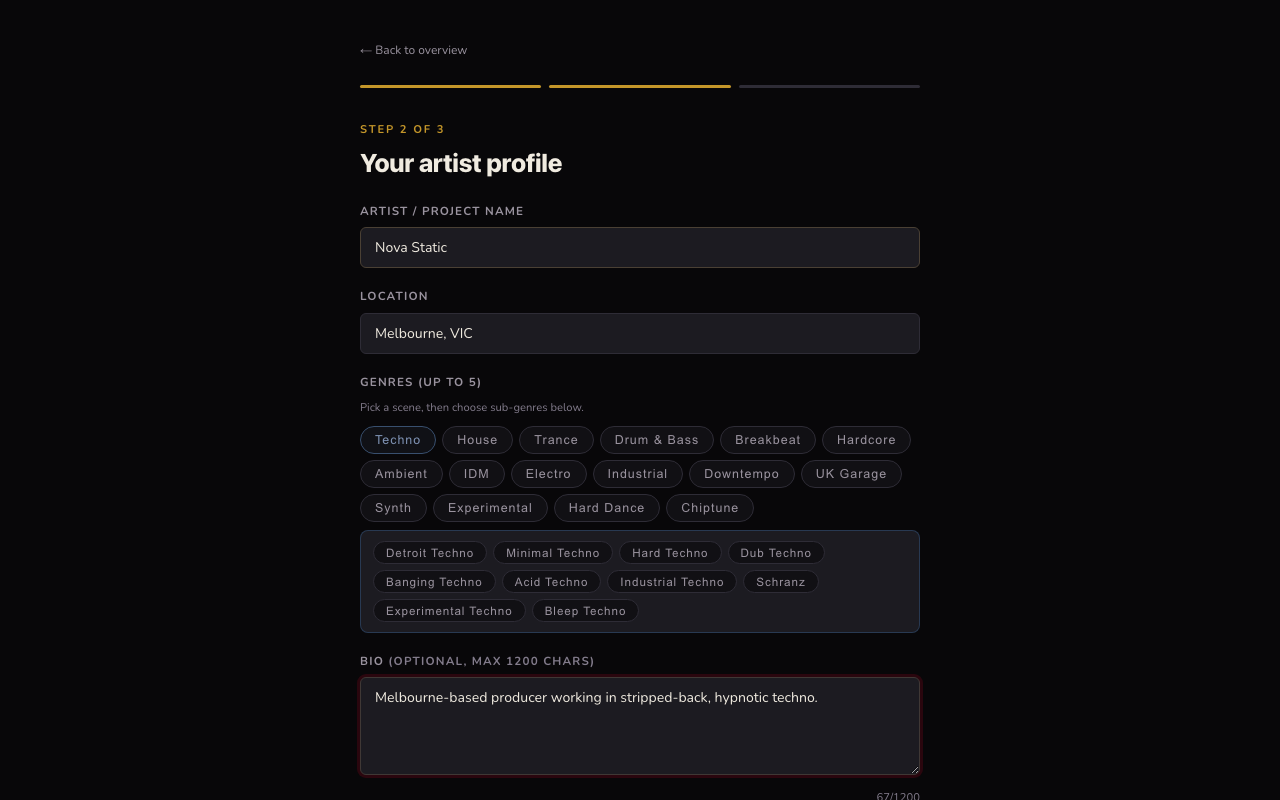
Enter your artist or project name, location, and up to 5 genres (pick a scene like Techno or House, then choose specific sub-genres). A bio is optional but helps fans and labels find you. You can also add links to SoundCloud, Bandcamp, Instagram, and similar — VOLT pulls a profile photo and header image from these automatically where possible.
3.Add payout details (optional)
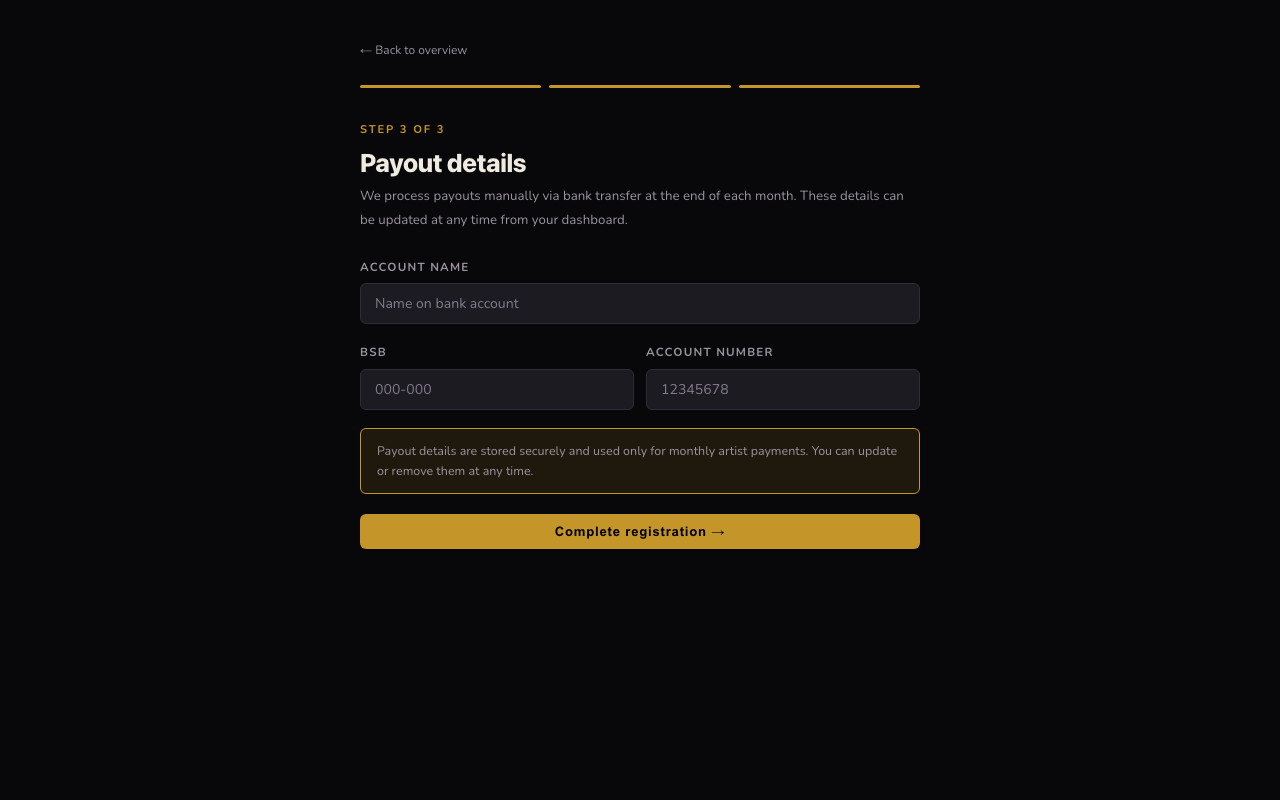
Payouts are processed manually via bank transfer at the end of each month. You can skip this step and add your bank details later from the dashboard — nothing here blocks you from uploading and going live straight away.
4.You're live
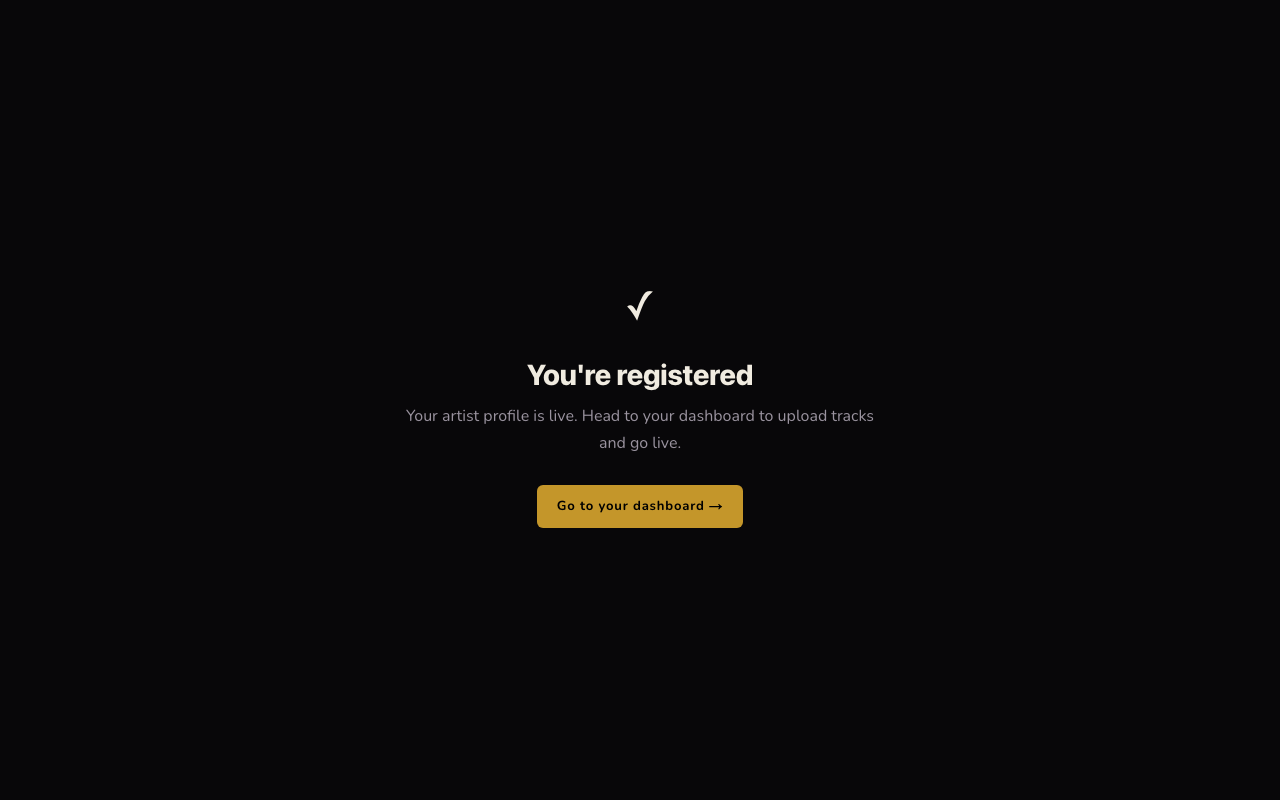
Your artist profile is active immediately — there's no waiting period. Click Go to your dashboard to start creating releases and uploading tracks.
5.Your dashboard
The dashboard has four tabs: Releases (create and publish releases and tracks), Tracks (every track across all your releases, with sales and format status), Payouts, and Profile (bio, images, links, payout details). Start by creating a release — see the next guides for uploading a track or building a full album.