How to buy and download music
Every digital purchase on VOLT includes WAV, FLAC, and MP3 at a single price — no format upcharges.
1.Browse or search
The store home lists current releases with a genre filter, or use the search bar for a specific track, artist, or genre. Check the banner at the top for Volted Music Fridays (VMF) — every Friday (Melbourne time), digital purchases carry 0% platform cut, so 100% goes to the artist.
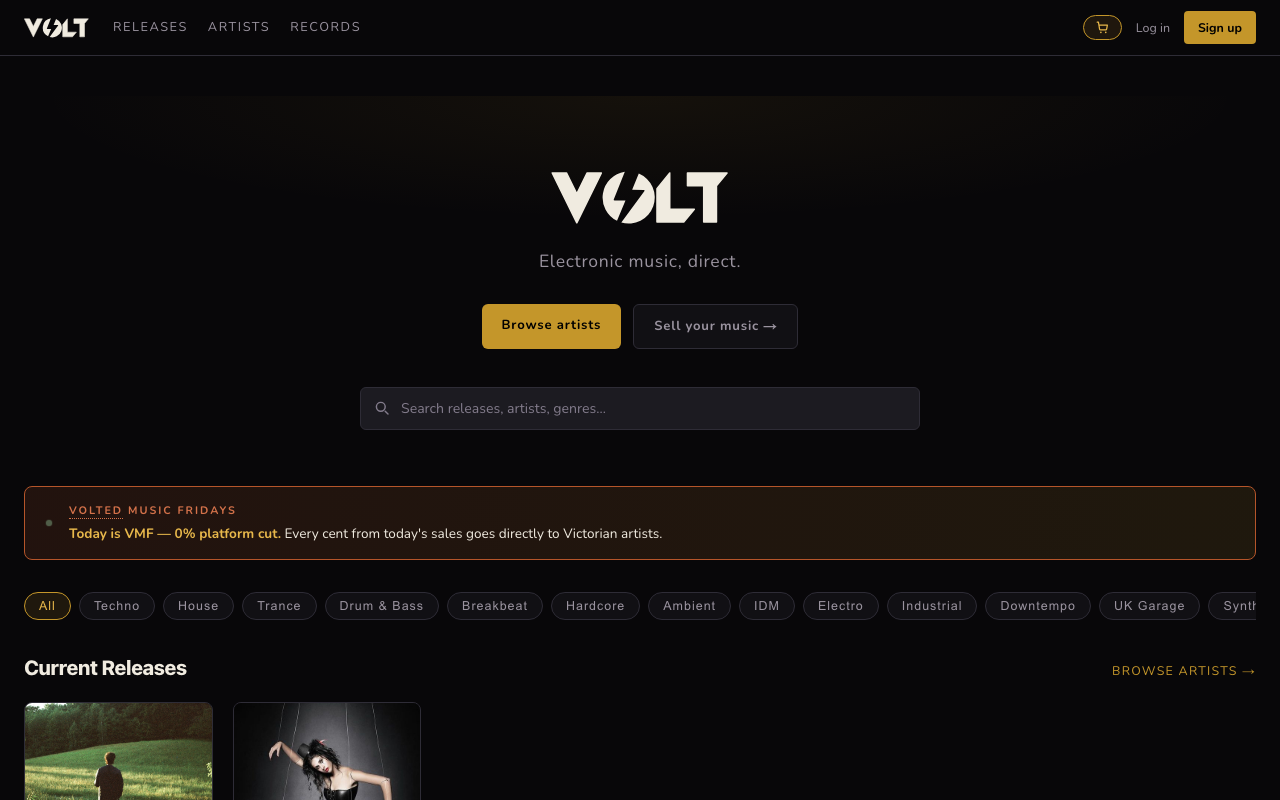
2.Preview and buy
Open a release to see its tracklist. Click the play button next to a track for a short preview before you commit. Pricing is either a fixed amount or pay-what-you-want, artist's choice. Add tracks to your cart, or use the wallet/card checkout directly from the release page.
On a VMF Friday, tracks marked Claim VMF Special need an individual claim before checkout — click it to lock in the 0% rate for that track for 15 minutes. This is capped at 2 tracks per order, so it's meant for picking up a track or two, not a bulk catalogue haul.
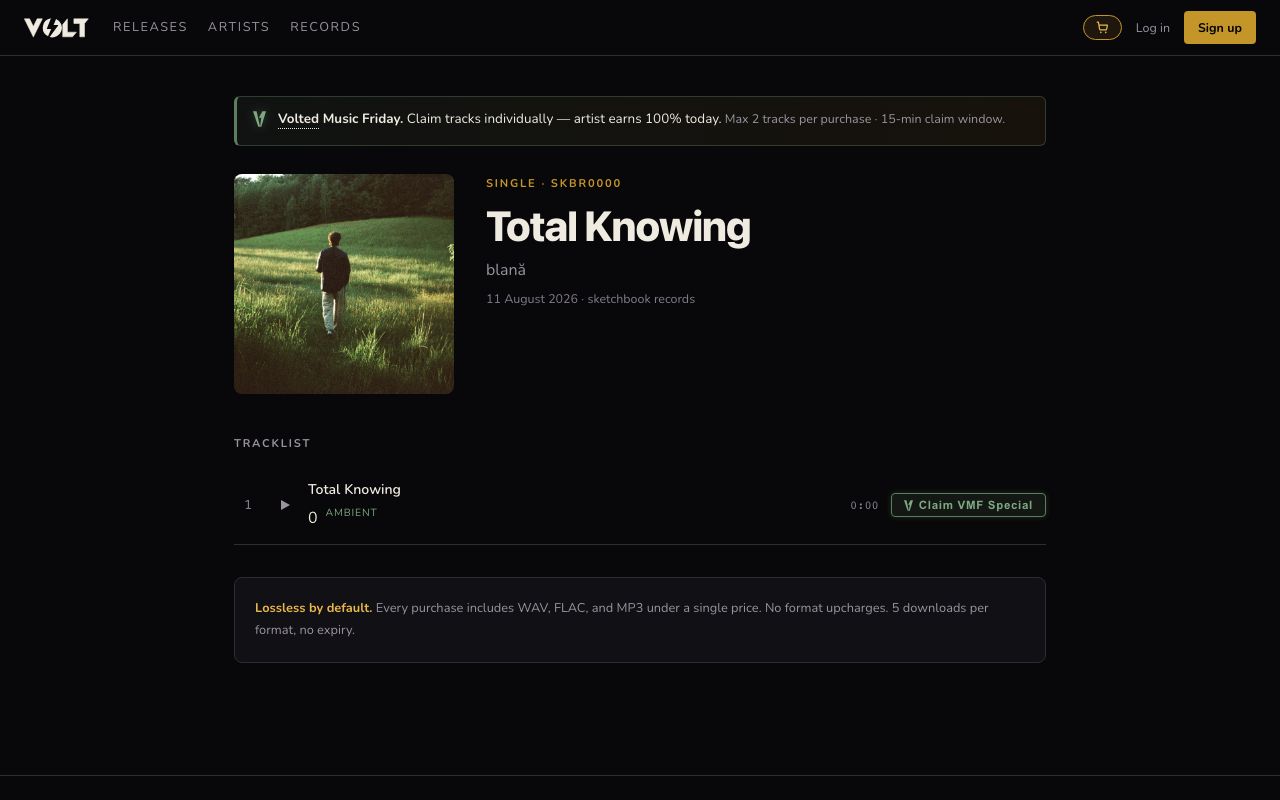
3.Pay by wallet or card
VOLT wallet credit never expires and can be topped up from your wallet page — bigger top-ups include a small bonus credit. Prefer to pay per purchase instead? Card checkout is available at the same step.
4.Download your files
After checkout, your purchase appears in Library. Each format (WAV, FLAC, MP3) can be downloaded up to 5 times, with no time limit — plenty for a lost download or a new device.