How to sell a record or CD
The VOLT Marketplace is for physical media — vinyl, CDs, and tapes. It's separate from digital track uploads and charges just 5% on the item price, never on shipping.
1.Apply to sell
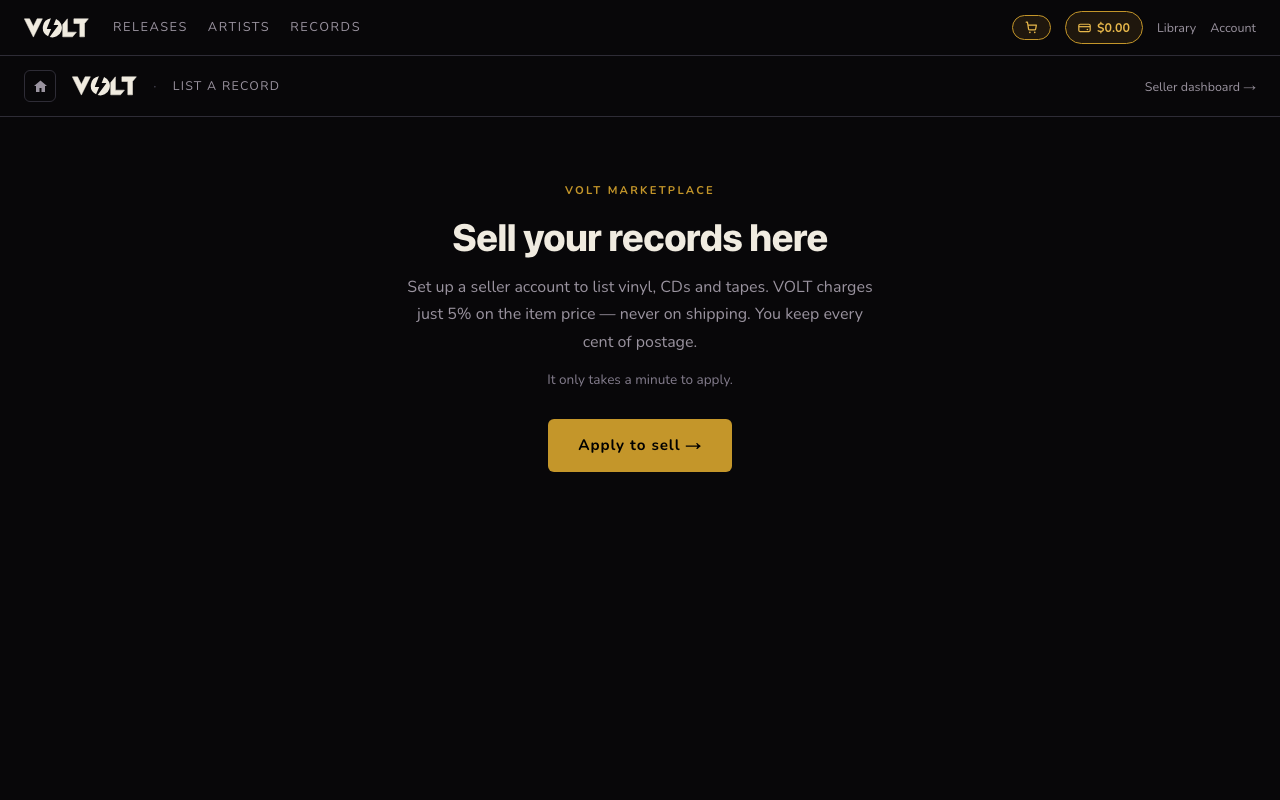
Log in with any VOLT account, then go to Sell your music in the Records section, or click Apply to sell.
2.Fill in your seller profile
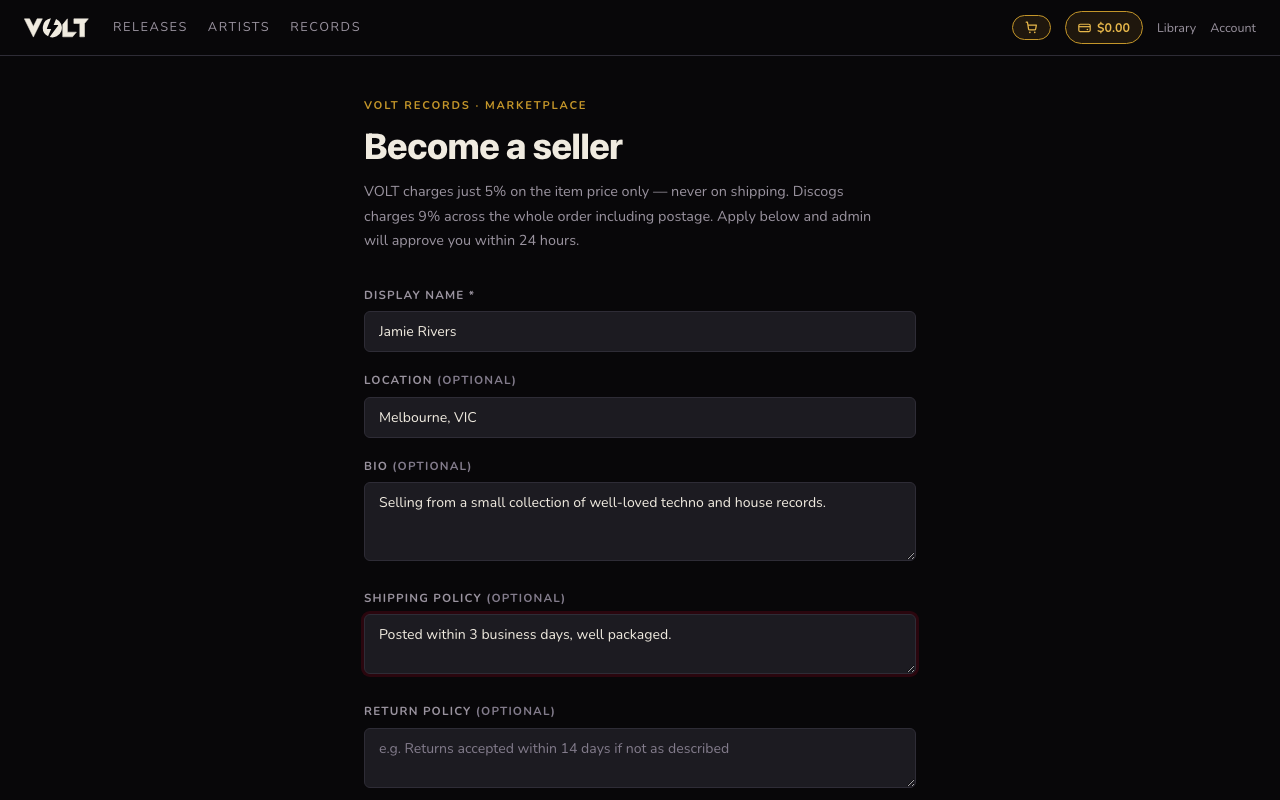
Give your seller account a display name (your own name or a shop name), plus optional location, a short bio for buyers, and your shipping and return policy. You can also add payout bank details here or later.
3.Submit and wait for approval
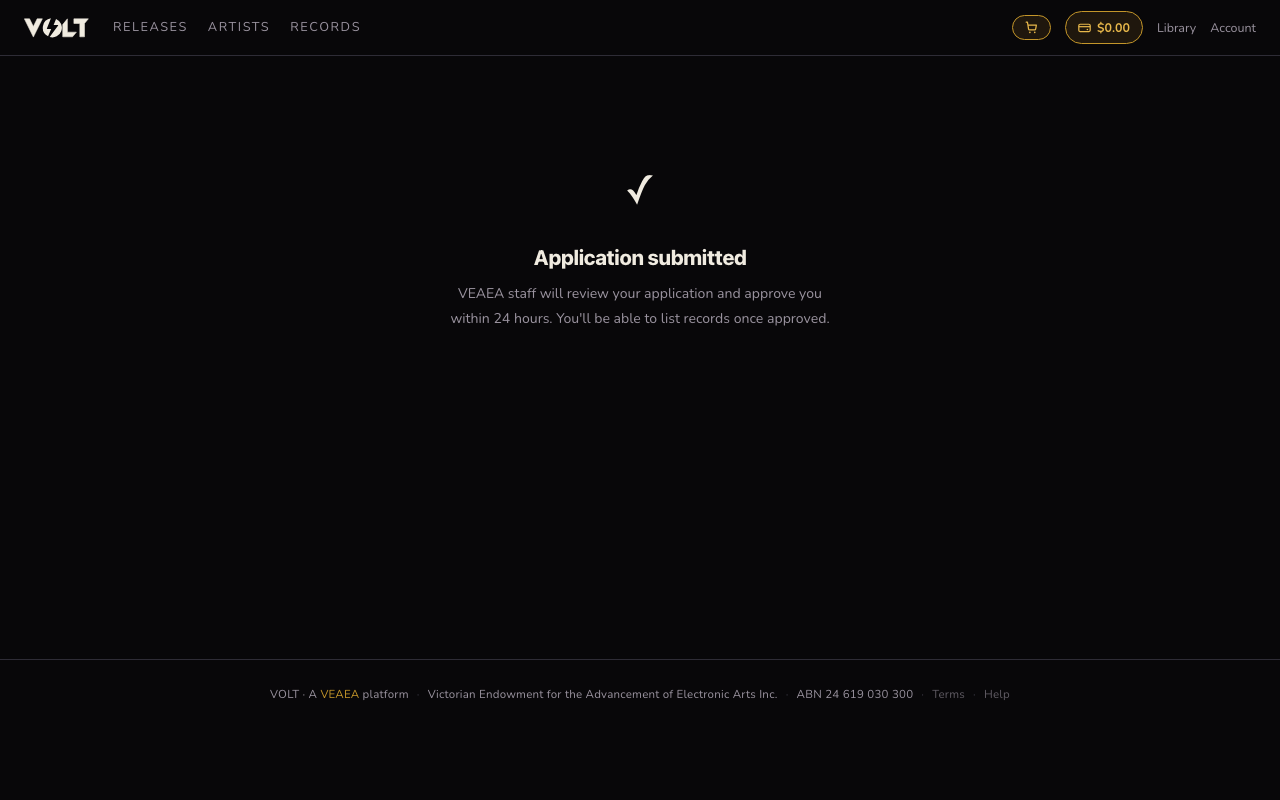
Once submitted, you'll see a confirmation and your application moves to VEAEA staff for review. You can return to the same page any time to check your status — once approved, it takes you straight to the listing form.
4.List your first item
When approved, going back to Sell your music shows the listing form: search Discogs to auto-fill title, artist, label, format, and cover art, or enter details manually if your item isn't on Discogs. Set media and sleeve condition, price, domestic and international shipping, and quantity, then add photos and publish the listing.